
A person exploring a luminous underground cave filled with glowing plants and crystals.
Generate, enhance, upscale, and edit visual content with one seamless workflow
Start anywhere. Create with every tool, model, and format.

A person exploring a luminous underground cave filled with glowing plants and crystals.
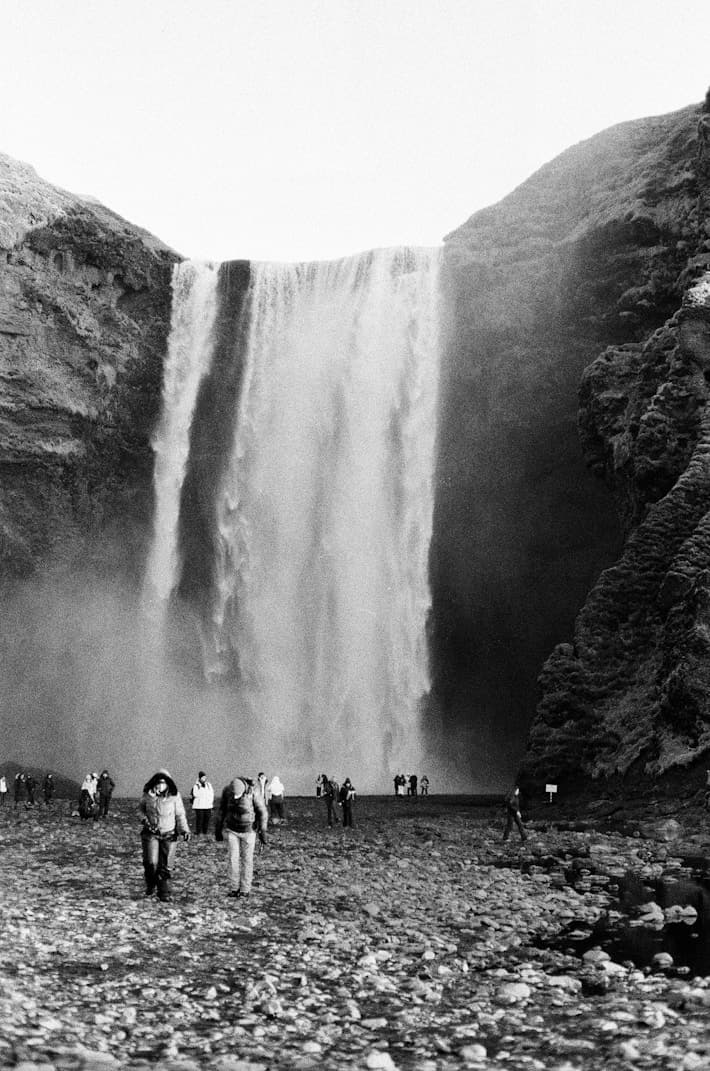
A dramatic waterfall cascading over a rocky cliff, black and white travel photography.

A warm, sunlit room with classic architecture and golden light.
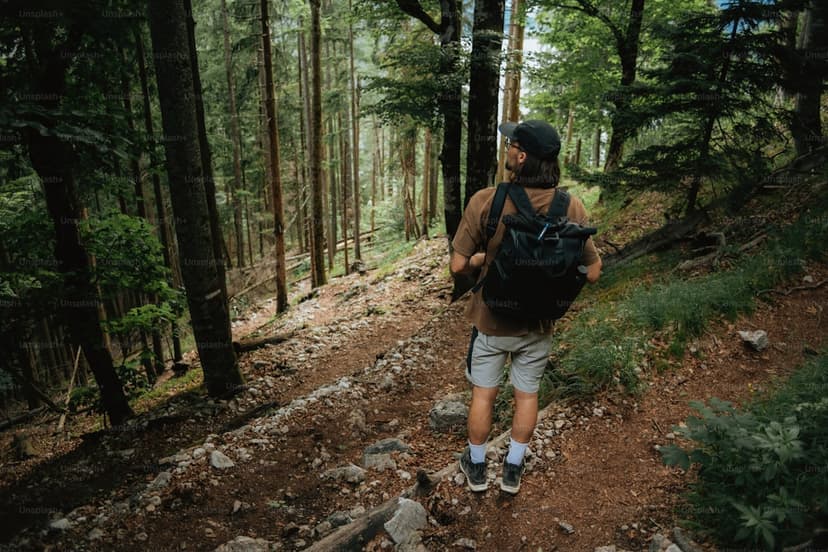
A traveler walking through a lush forest, natural light.
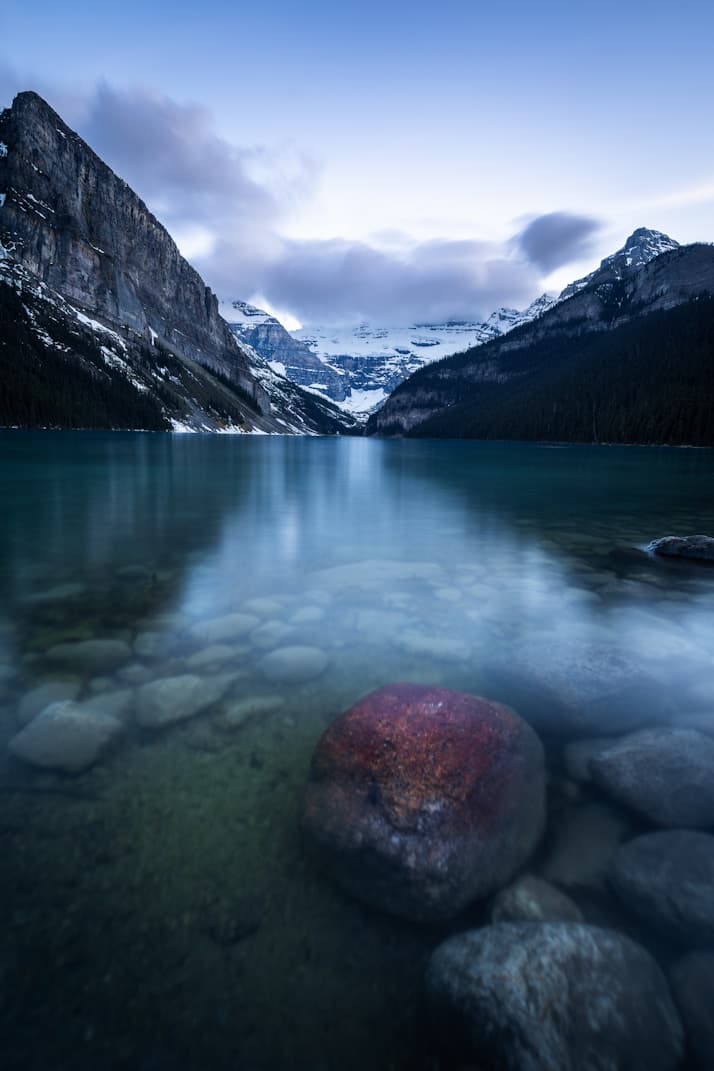
A tranquil alpine lake with mountain reflections and clear water.

A minimal still life with bold red color and sculptural forms.
A cozy library with bookshelves and warm interior light.

A bright modern living room with soft neutral furnishings.

Sunlight falling across a minimal modern interior.

Remove image backgrounds for clean cutouts and product shots
Restore faded, scratched, or blurry old photos with AI

Reduce grain and noise while keeping natural textures intact

Balance exposure, contrast, and color for a polished final look

Fix dull colors, exposure, and contrast across your video

Reduce video file size while keeping visual quality high
Save 20% with yearly
No subscription required.
Billed monthly
Billed monthly
Billed monthly
Explore image and video creation and focused tools for enhancing, restoring, and editing media. Available processing options are shown when you start a task.
Image uploads support JPEG, PNG, and WebP. Tool video uploads support MP4. Each tool shows its own upload limits.
Processing time depends on the selected tool, media and service. Follow the task status in Generate; refreshing the page keeps submitted tasks.
Yes. Upload your media or select a file from Assets. Creation references are optional and depend on the chosen model and method.
A server quote is shown before submission. Credits are reserved for the task and settled for successful results; unused reservations are released.
Supported tasks let you retry failed results while preserving the successful results in the same task.